


#96 How to Work a Virtual Reality Headset
The process of getting your new virtual reality headset up and running is quite simple. Our goal is to make the transition from unboxing to immersion as smooth as seamless as possible for you. This manual provides you with the essential steps that you need to follow in order to properly configure and operate your device so that you can have a seamless initial encounter with a virtual reality headset.
Completing the Initial Setup
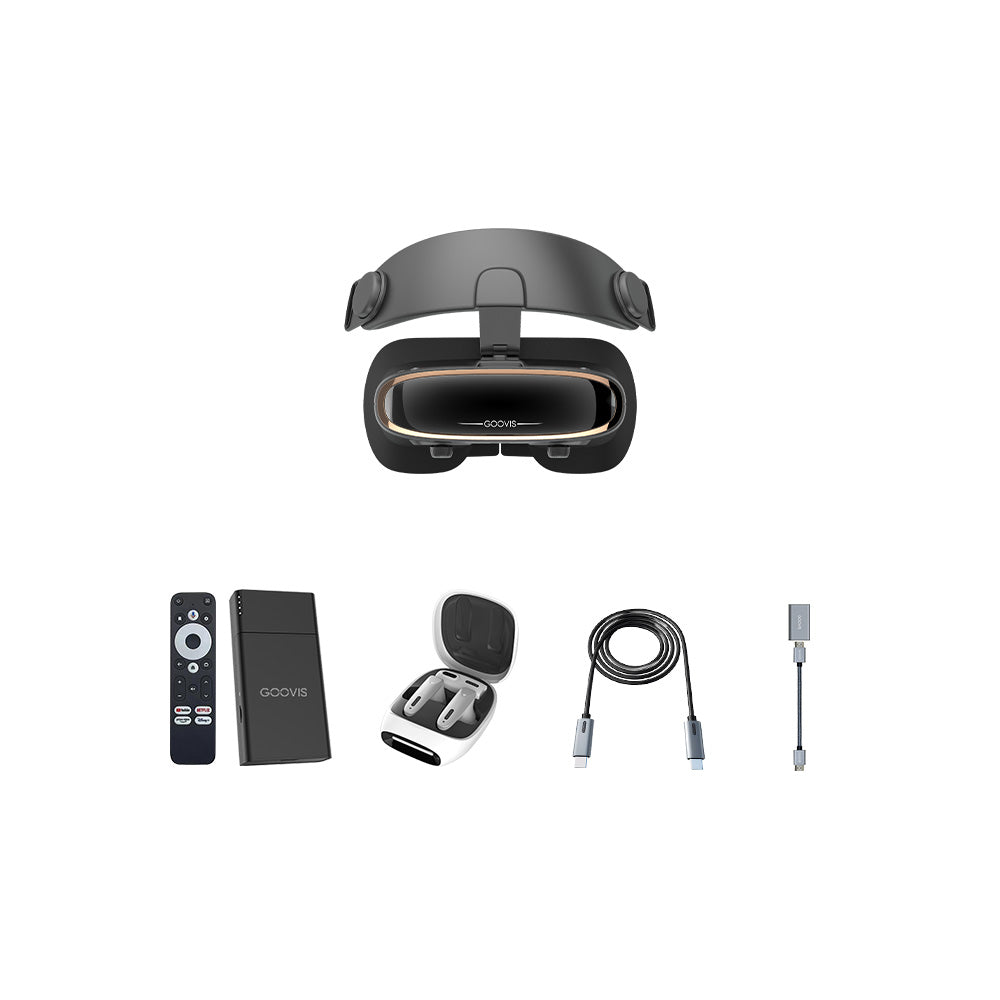
The first step involves preparing your hardware. If you have a standalone VR with headset, ensure it is fully charged. For headsets that connect to a computer or console, verify that your system meets the required specifications. Next, you will need to adjust the physical components. Put on the VR headset and use the adjustable straps to achieve a secure yet comfortable fit. The goal is a stable position that doesn't feel too tight. Then, locate the interpupillary distance (IPD) adjuster. This setting moves the lenses to match the distance between your pupils, which is essential for a clear and single image. A properly configured VR headset is the foundation for visual comfort.
Learning the Control System
Interaction within virtual spaces happens through controllers or hand-tracking. Your VR headset will likely come with dedicated motion controllers. These are how you will navigate menus, select options, and interact with objects. Take a few minutes to familiarize yourself with the buttons, triggers, and thumbsticks. Many systems include a brief tutorial environment to practice these controls. Learning to use these tools effectively will make moving through virtual worlds feel natural and intuitive. This step transforms the device from a simple viewer into an interactive portal.
Navigating Environments and Applications
Once you are comfortable with the controls, you can explore the main interface, often called the "home environment." This is your hub for accessing content. From here, you can launch applications, adjust system settings, and access media libraries. You can typically browse through games, educational apps, and social platforms. Selecting an application is as simple as pointing and clicking with your controller. Remember to be aware of your physical surroundings while using a VR headset to ensure safety during use.
Operating a virtual reality headset quickly becomes second nature. The process revolves around a secure physical fit, understanding the control scheme, and exploring the digital interface. We design GOOVIS products with user-friendly operation in mind, ensuring that the technology enhances your experience without unnecessary complexity. Your journey into new visual realms is just a few simple steps away.


