


#95 How to Use a Virtual Reality Headset
Getting started with a new piece of technology can feel like a big step. We want to make that process simple for you. Using a virtual reality headset is straightforward once you know the basic steps. This guide will walk you through the essentials, from setup to your first experience. Our aim is to help you feel confident and ready to enjoy your new device.
Preparing Your Device and Space
First, ensure your virtual reality headset is fully charged. Find a comfortable and clear area to use it. A swivel chair is a great option for seated experiences, allowing you to look around easily. If you plan to stand, make sure you have enough room to move your arms without bumping into anything. Good lighting helps with tracking, but avoid direct sunlight on the device's lenses, as it can damage the screens. This preparation creates a safe and optimal environment for your session.
Adjusting the Fit for a Clear Picture
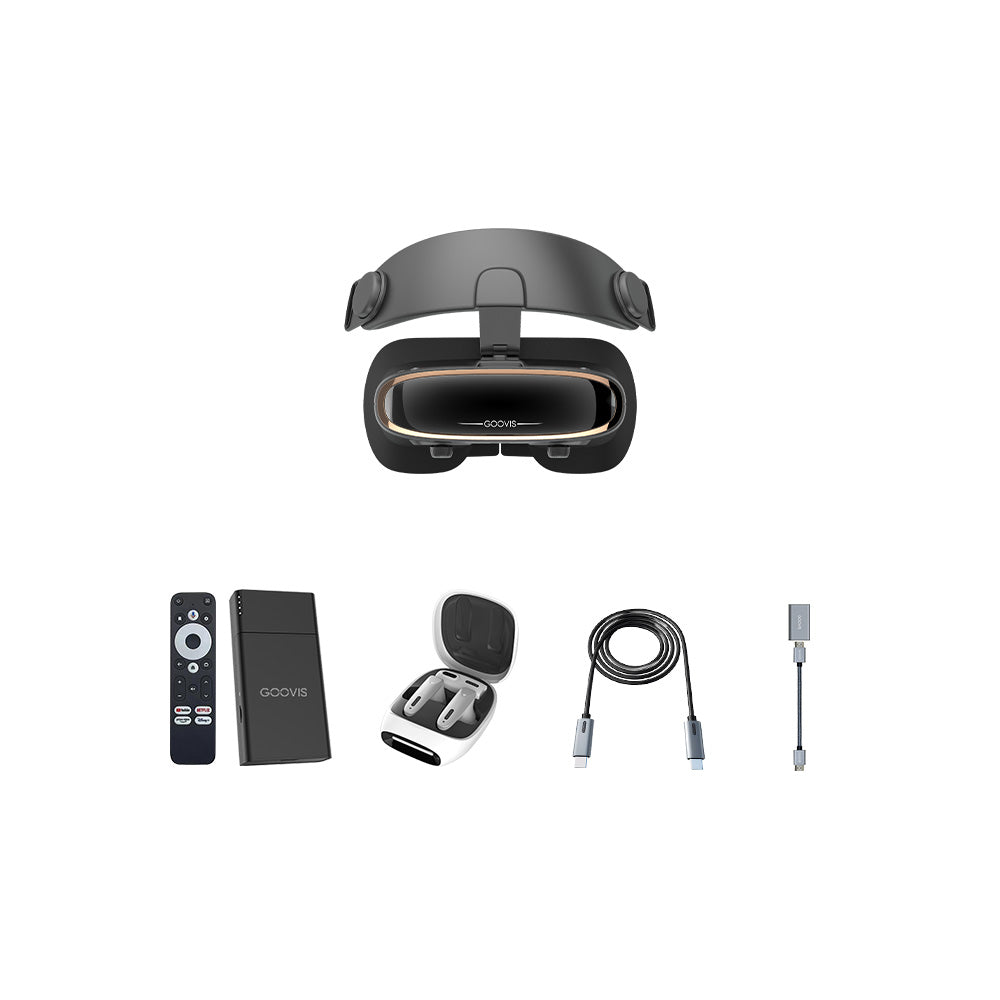
A proper fit is crucial for both comfort and visual clarity. Put on the VR with headset and loosen the straps. The goal is to have the weight distributed evenly across your head and face, not just resting on your nose or cheeks. Once the headset is seated comfortably, adjust the interpupillary distance (IPD). This setting moves the lenses to match the space between your eyes. When done correctly, the image becomes sharp and singular, eliminating any blurriness or strain. A well-fitted headset should feel secure and look clear.
Exploring Content and Basic Controls
Power on the device and you will enter a home interface. This is your gateway to applications and media. Take a moment to familiarize yourself with the menu. Navigation is typically done through a handheld controller, gaze-based selection, or a touchpad on the headset itself. Start with simple experiences like a 360-degree video or a virtual tour before moving to more interactive apps. This lets you get used to the feeling of immersion at your own pace.
The whole procedure is around exploration and personal comfort. There is absolutely no necessity to hurry. It makes a significant difference when you take the time to properly arrange your environment, adjust the fit, and carefully navigate through the UI. The primary focus of your initial experiences using a virtual reality headset should be exploration and entertainment. We at GOOVIS sincerely hope that this tutorial will prove to be of use as you take your first steps into your new virtual world, doing it with enthusiasm and without difficulty.


