


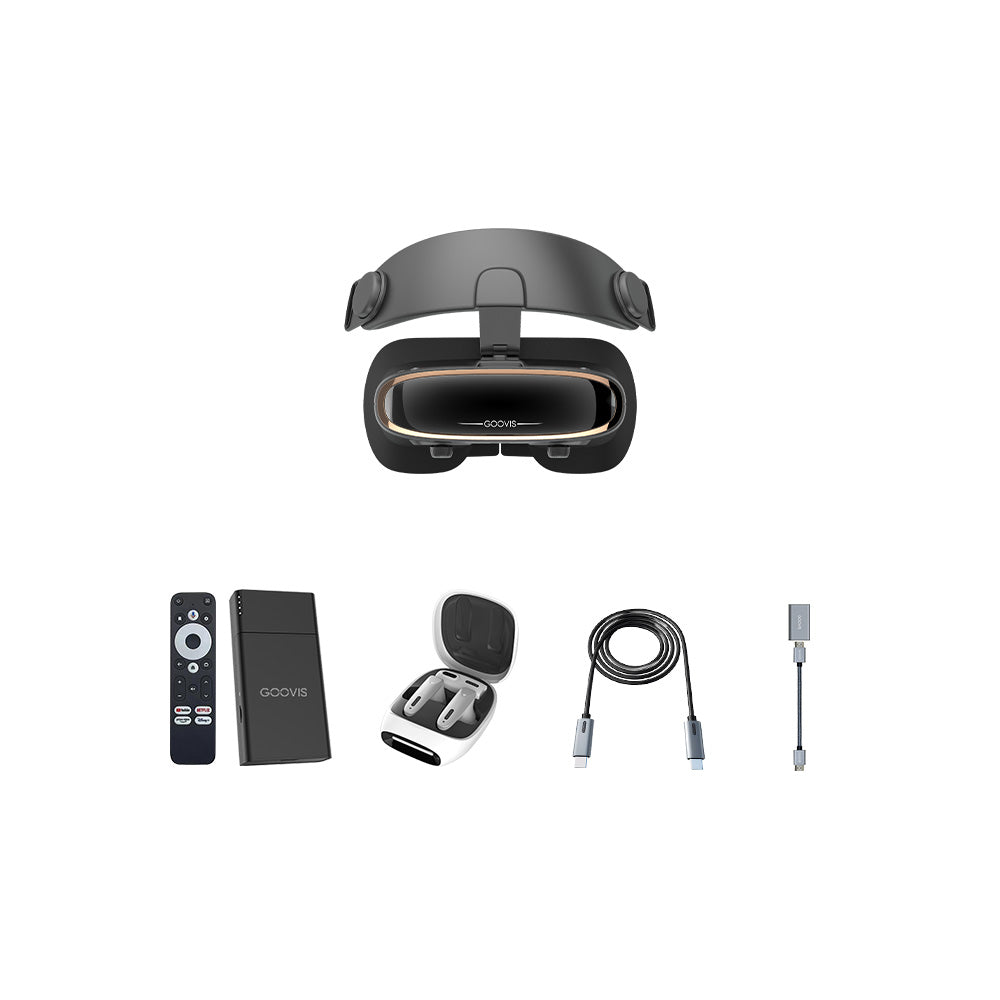

#84 How to Use Controllers with Smartphone VR Headset
Many people think a mobile VR with headset experience ends with a headset and a phone. Adding a controller, however, unlocks precise interaction. We see this as a vital step toward a more engaging virtual session. At GOOVIS, we appreciate how the right tools can elevate simple viewing into active participation. Let’s break down how to connect and use controllers with your smartphone-based setup.
Establishing a Connection
The primary link between your controller and phone is Bluetooth technology. Start by making your smartphone’s Bluetooth setting visible and ready to pair. Then, activate the pairing mode on your controller; this often involves holding down a specific button until a light flashes. Your phone should then detect the controller in its list of available devices. Selecting it will establish a stable connection, allowing the two devices to communicate. This wireless link is what transmits your physical commands into the virtual space.
Learning the Basic Inputs
Once connected, familiarizing yourself with the controller’s layout is essential. Most designs include a touchpad or a directional button for navigating menus and making selections. A primary trigger button, usually found on the side, serves as your main action button for clicking on items. Some models also feature dedicated ‘Back’ or ‘Menu’ buttons to help you navigate between different app screens without removing your VR with headset. Understanding these core functions lets you move through virtual interfaces with confidence.
Refining Your In-Experience Control
The real test happens inside an application. A controller does more than just point and click; it can be used for nuanced actions. In gaming environments, subtle movements of your thumb on a touchpad can translate to precise in-game actions. The haptic feedback from some controllers provides a tactile response, confirming your interactions. For general media viewing, the controller becomes a remote for play, pause, and volume adjustments, making the experience far more convenient than using your head movements alone.
Mastering the controller turns a passive viewing device into an interactive portal. This small device grants you deliberate command over the virtual world, making navigation intentional and smooth. The combination of a smartphone, a comfortable headset, and a responsive controller creates a complete and accessible system. It is a clear demonstration of how thoughtful interaction design can significantly deepen your sense of presence and control.


